

Capture the contact
Collect emails and phone numbers before anonymous visitors leave your store.
Learn moreCollect contacts, recover abandoned carts, and increase order value with campaigns based on customer behavior. Start without a credit card and test DropUI on the traffic already reaching your store.
Free plan forever, no card required.
stores turn traffic into sales with DropUI






How DropUI works
DropUI responds to customer behavior in your store, shows relevant communication, and lets you continue the conversation after the visit.
Collect emails and phone numbers before anonymous visitors leave your store.
Learn moreShow a discount, recommendation, or reminder when the shopper is closest to deciding.
Learn moreAdd an offer, shipping threshold, or product bundle without interrupting the shopping flow.
Learn moreFollow up through Web Push, WhatsApp, SMS, or email with an offer that has context.
Learn moreWhy DropUI?
Bring together communication during and after each visit in one place. Launch your first campaign with no upfront cost, measure results on your own traffic, and grow the scenarios that perform best.
100+
stores use DropUI
$0
to get started, no credit card required
∞
campaigns on every plan
∞
stores on every plan
Communication channels
Popups, bars, embeds, and Feed work during the visit. Web Push, WhatsApp, SMS, and email help bring shoppers back after they leave. Everything works as one journey, not a set of separate tools.
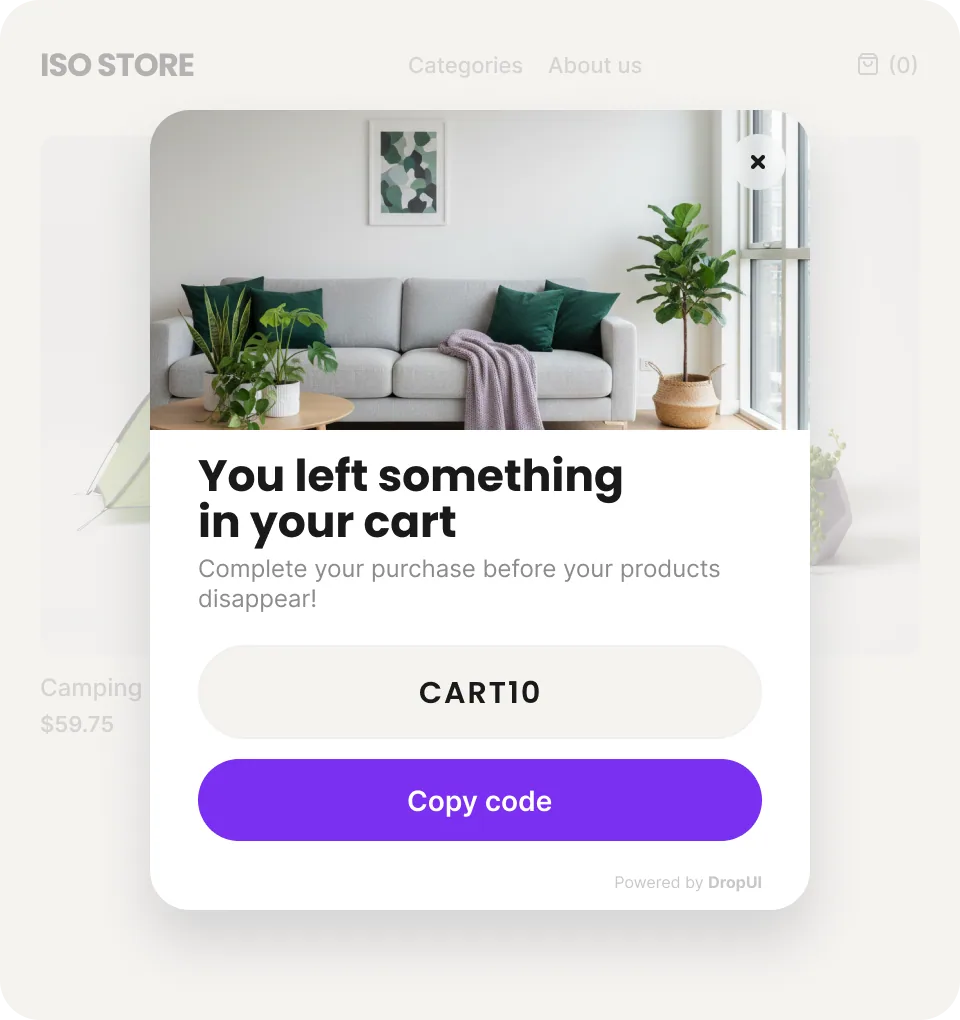
Captures attention with an offer, form or message tailored to customer behavior.
Learn moreStays visible while customers shop and highlights a promotion or free shipping threshold.
Learn morePlaces a form, recommendation or additional content directly inside the store page.
Learn moreShows current offers and content in a personalized stream.
Learn moreStorefront result in a few clicks
The AI Assistant helps you design and refine campaigns shown directly in your store. It suggests layouts, writes copy, generates images, and makes it easier to build a popup, bar, or embed that looks polished and matches the sales goal.
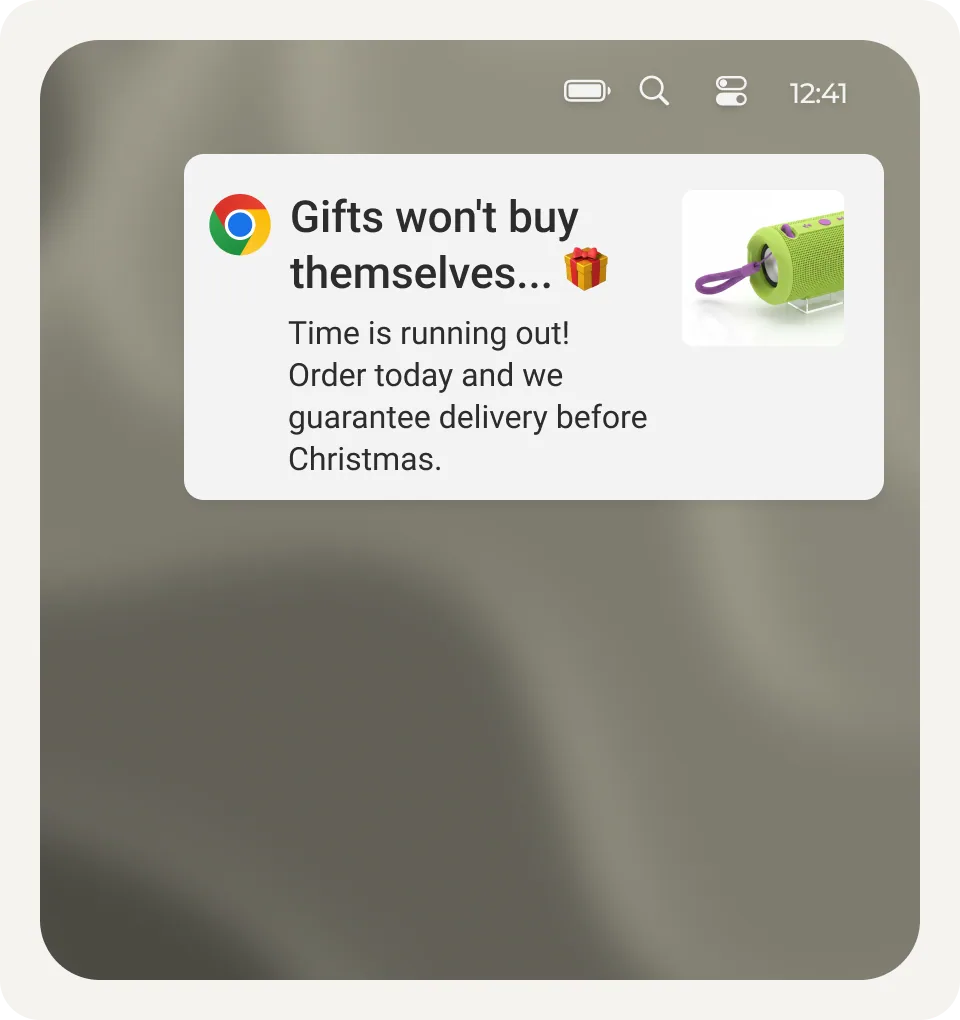
Delivers a reminder or offer even when the customer is browsing another website.
Learn moreReaches customers again in a channel they use every day, with a reminder, offer, or post-purchase message.
Learn moreContinues the conversation after a visit and helps recover a cart or drive another purchase.
Learn moreDelivers a short message, offer or link that brings the customer back to the store.
The feature will officially launch in October 2026.
Learn moreChoose a scenario for your goal and adapt it to your store in just a few moments.
Explore scenariosCustomer stories


Beauty · Ecommerce
1 000+email contacts acquired


Retail · Ecommerce
10k+WhatsApp campaign recipients


Home · Ecommerce
8%avg. sales campaign CTR
Integrations
DropUI integrates with your ecommerce platform and with analytics, CRM, email marketing, and automation tools. Contacts, customer data, and campaign results go exactly where your team uses them.


Common questions
You can connect DropUI through a ready integration or a simple script. This also makes it work with platforms for which we do not yet offer a dedicated integration.
Choose one goal: capturing a contact, completing a purchase, or bringing a customer back. The AI Assistant will prepare a campaign design that you can refine in conversation or edit manually with drag and drop.
Not if you use a ready integration. Other platforms can be connected with a simple script, while you can prepare and publish the communication yourself.
You can launch your first communication within minutes of connecting your store. Clicks and contacts appear immediately, and with regular traffic you can draw your first conclusions within 7 days.
DropUI shows views, clicks, contacts, and sales. You can compare communication variants and keep the one that delivers a better result.
Yes. You can create an account without a credit card and test your first communication using the traffic already reaching your store.
Launch your first campaign, collect contacts, and recover sales from the traffic already reaching your store.
Start free