In your store
Playbook: Cart recovery
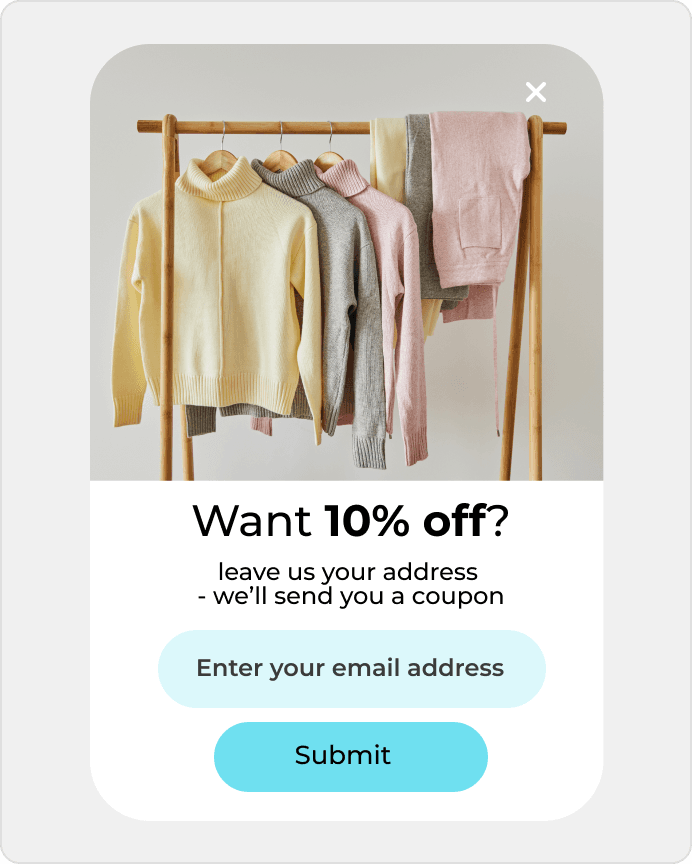
Automatically remind shoppers about abandoned carts.

Recover abandoned carts and collect signups starting at $0.
Recover abandoned carts and collect signups starting at $0.
A business site or offer page gets traffic, but too few visitors move into real contact. DropUI helps improve that first step and turn more visits into inquiries without rebuilding the page.
See where to start and what will show fastest whether Wix helps you get more from your traffic.
On Wix sites, the usual priority is a simple start and a fast answer, but the key question is which first step works best on a business page or landing page. Sometimes a contact form wins. Sometimes a callback option performs better. In other cases, a more direct move into a specific offer or conversation works best.
DropUI lets you launch onsite campaigns at a specific moment: on entry, after time on site, on exit, or around a specific step. This makes it easier to test whether the same page performs better with a form, a callback option, or a move into the offer. This matters most when traffic already comes from ads, maps, social media, or SEO and needs to be captured before the visitor leaves.
The biggest benefit is simple: you can turn a simple business site or landing page into a stronger contact source without making the whole project more complicated. Instead of adding more random elements, you can see whether a contact form, a callback option, or a move into the offer improves the first step.
The best starting point is one scenario with one clear goal and one comparison. That can be a contact form versus a callback or a move into the offer. This quickly shows whether the site needs a simpler contact path or a clearer action prompt.
Lighter landing-page popups, first-contact forms, callbacks, and single-next-step bars are usually the strongest first tests. This works well when the site has a simple structure and the team needs a fast answer without making the page more complicated.
Clicks, CTR, contacts, and variant comparison matter most. DropUI helps you see whether a simpler form, a callback option, a stronger message, or a clearer move into the offer performs better, so the team can decide faster what to scale next.
DropUI gives you access to more than 80 ready-to-launch scenarios. If you are starting with Wix, these three are the fastest way to see what actually lifts sales, leads, or cart value.
In your store
Automatically remind shoppers about abandoned carts.
In your store
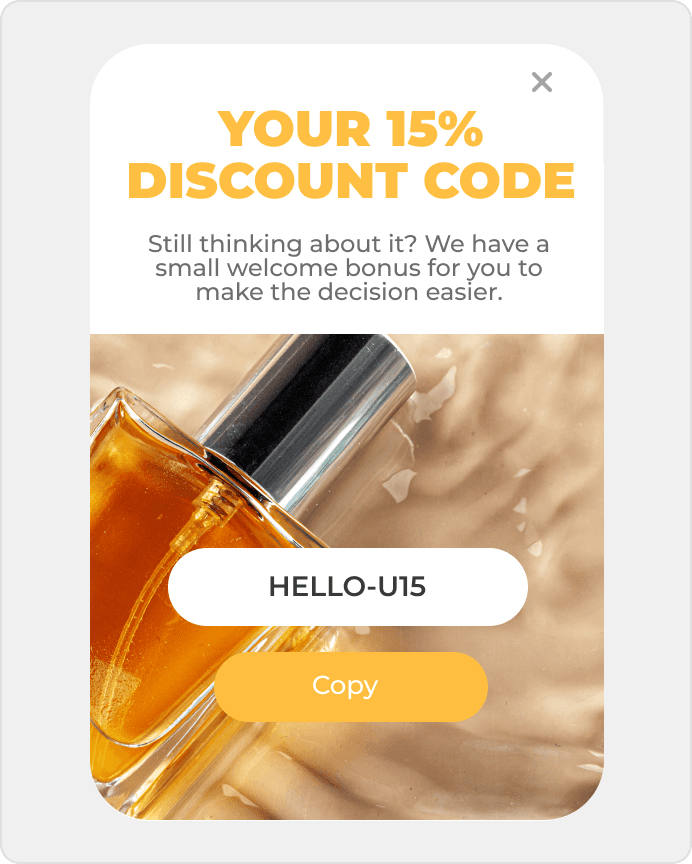
Show offers when someone is about to leave your site.
This data helps you choose better timing, offers, and targeting for your campaign.
In Wix, simple testing, a clear first step, and faster improvement on business pages matter most. DropUI helps show whether a form, a callback option, or a move into the offer performs better.
If you have doubts before connecting Wix, start with these questions. They are the fastest way to understand how to begin and what to expect.
The best starting point is usually one simple scenario and one comparison, such as a contact form, a callback option, or a single-next-step bar. That gives the team a quick answer about what improves the first step.
Ready to launch
Connect Wix with DropUI and turn campaign traffic into more requests without rebuilding the landing page.
Getting started takes a few minutes
Last content update: May 21, 2026