In your store
Playbook: Exit intent
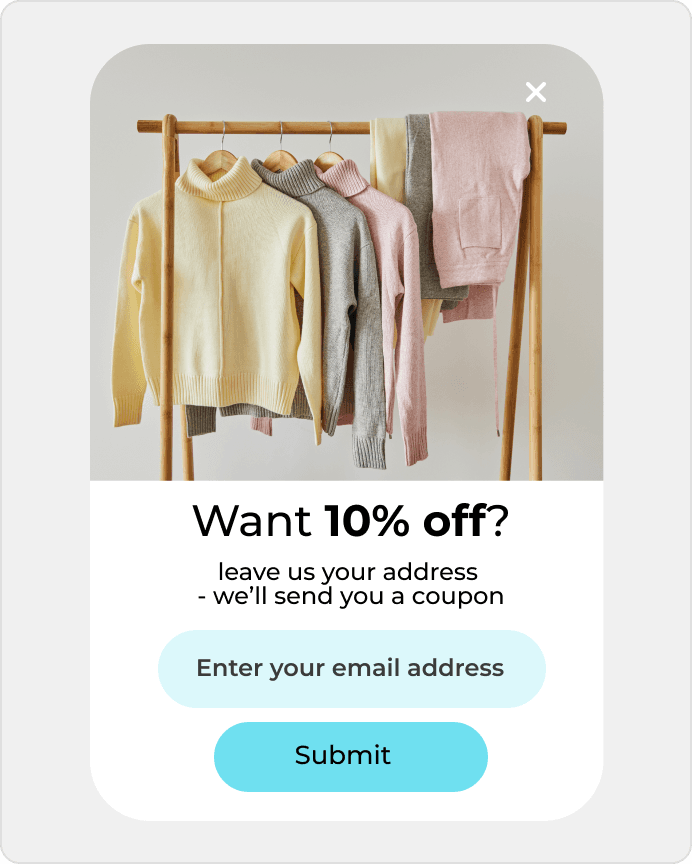
Show offers when someone is about to leave your site.
Recover abandoned carts and collect signups starting at $0.
Recover abandoned carts and collect signups starting at $0.
The gallery gets attention, but too few visitors move into a real inquiry about collaboration or timing. DropUI helps add a clearer first step and get more from the traffic already reaching the page.
See where to start and what will show fastest whether SmugMug helps you get more from your traffic.
On SmugMug sites, the issue is often not traffic itself but the gap between viewing a gallery and taking action. That is why SmugMug popups, forms, and onsite campaign scenarios are most useful when they help compare the first step without hurting the gallery experience.
DropUI lets you launch onsite campaigns after part of the gallery has been viewed, after time on page, or on exit. That makes it easier to test whether a short brief, a date inquiry, a contact prompt that appears after gallery engagement, or a booking reminder performs better.
The best approach is usually one scenario with a clear goal and one comparison, such as a brief versus a date request or a first-contact step. That gives you a fast read on what actually improves results and which option is worth expanding.
The simplest method is to compare inquiries, briefs, date requests, clicks, and form submissions before and after launch. That gives the team a quick answer about whether the new message is improving page performance.
DropUI gives you access to more than 80 ready-to-launch scenarios. If you are starting with SmugMug, these three are the fastest way to see what actually lifts sales, leads, or cart value.
In your store
Show offers when someone is about to leave your site.
This data helps you choose better timing, offers, and targeting for your campaign.
Campaigns can use simple page and behavior context to better match the timing of a brief, a date inquiry, or a contact step after gallery browsing.
If you have doubts before connecting SmugMug, start with these questions. They are the fastest way to understand how to begin and what to expect.
The best starting point is usually one scenario triggered after gallery engagement and one comparison, such as a brief versus a date inquiry or a first-contact step.
Ready to launch
Connect SmugMug with DropUI and turn portfolios into more briefs, quotes, and conversations without rebuilding the site.
Getting started takes a few minutes
Last content update: May 21, 2026