In your store
Playbook: Exit intent
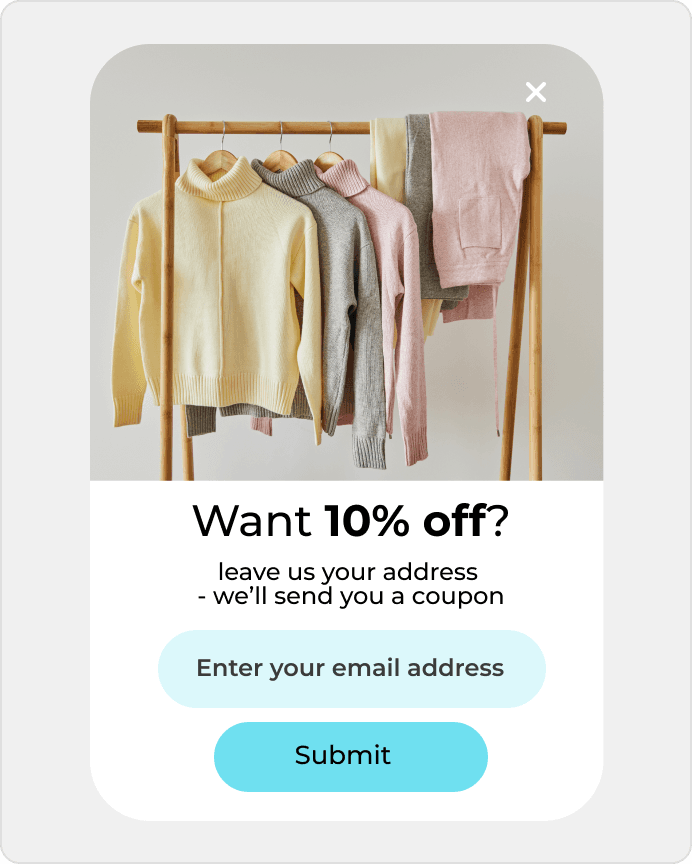
Show offers when someone is about to leave your site.
Recover abandoned carts and collect signups starting at $0.
Recover abandoned carts and collect signups starting at $0.
The product or app page gets traffic, but too few people turn that visit into a real product entry point. DropUI helps strengthen that first step and turn more visits into active interest in the offer.
See where to start and what will show fastest whether Bubble helps you get more from your traffic.
On Bubble pages, the goal is often to make better use of traffic from visitors who already understand the product and are close to the next step. But the main question is which first move works best on the product site. Sometimes a simple signup wins. Sometimes a demo performs better. In other cases, an access step that moves the visitor into the product feels more natural.
DropUI lets you launch onsite campaigns on entry, after time on page, on exit, or after a CTA interaction. That makes it easier to see whether the same page performs better with a signup, a demo step, or an access step. This matters most when the product site is already getting traffic and the team wants a faster answer without rebuilding the whole flow.
The biggest advantage is faster comparison of a few strong first-step options on a high-intent product page. Instead of rebuilding more product elements, you can see whether signup, demo, or access improves the quality of the first product interaction.
The best start is usually one high-intent page such as pricing, a feature page, or a demo page and one question: should the visitor sign up right away, request a demo, or request access to the product. That kind of test quickly shows which first move deserves to be pushed further.
In practice, it is worth looking at signups, demo steps, access requests, and the results of different first-step variants. That makes it easier to see whether a new message is actually improving product-page performance.
DropUI gives you access to more than 80 ready-to-launch scenarios. If you are starting with Bubble, these three are the fastest way to see what actually lifts sales, leads, or cart value.
In your store
Show offers when someone is about to leave your site.
This data helps you choose better timing, offers, and targeting for your campaign.
Campaigns can use page and behavior context to better match the timing of signup, demo, or access request on product and high-intent pages.
If you have doubts before connecting Bubble, start with these questions. They are the fastest way to understand how to begin and what to expect.
The best starting point is usually one high-intent page such as pricing, a feature page, or a demo page and one comparison: sign up, ask for a demo, or request access.
Ready to launch
Connect Bubble with DropUI and turn product-page traffic into more signups, demos, and activations.
Getting started takes a few minutes
Last content update: May 21, 2026